OffRaid Events · For organisers

Your whole event.
One QR code.

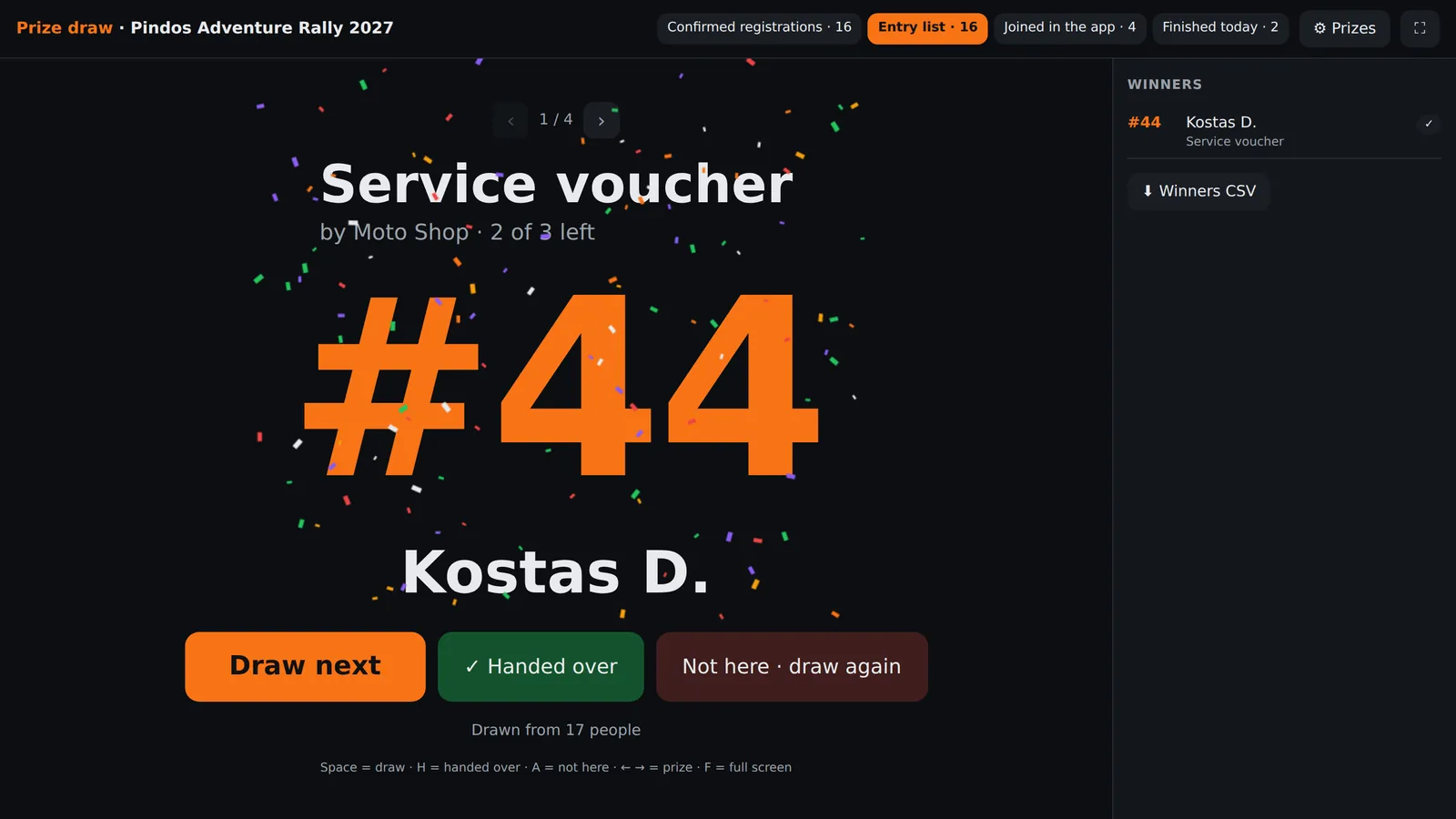
Rallies, adventure tours, training rides. Riders scan a QR and they're in — you see everyone live on a map, push the official route to every phone and send messages they answer with YES or NO, even on the lock screen.

Built for real terrain · Load-tested for 200 riders · No rider accounts

Why it works

Riders don't register. They don't pair. They don't configure. They scan and ride.

Everything an event needs — joining, tracking, the official route, messages, SOS — lives inside the navigation app riders already use on the trail.

For riders

Three steps, then ride

Scan

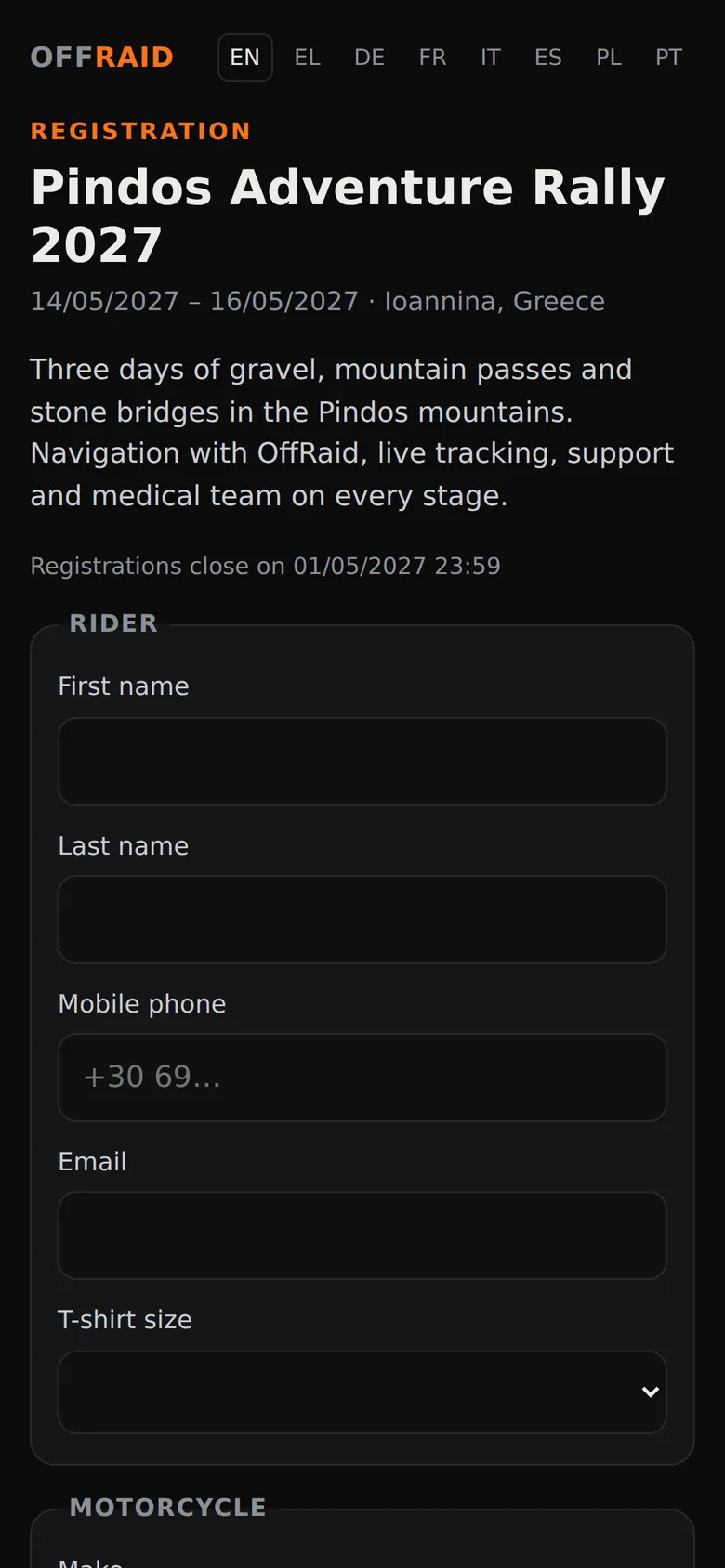
Point the camera at the event QR. OffRaid opens straight to your event — type your name and race number.

Get the route

The official route appears on your map automatically — and updates itself if the organisers change it.

Ride

Voice guidance, fully offline maps, and your group live on the map. Messages from the organisers reach you even on the lock screen.

For organisers

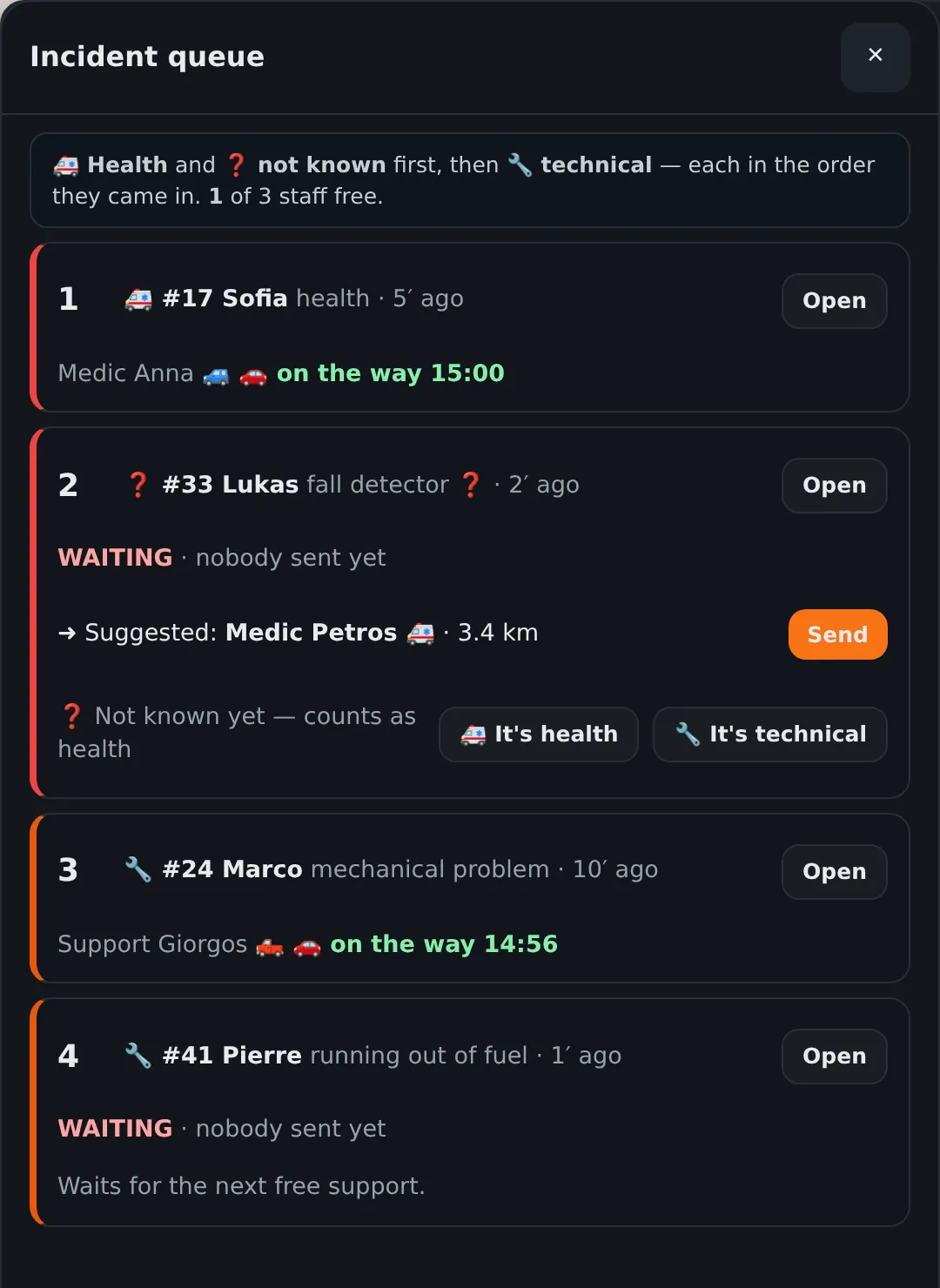
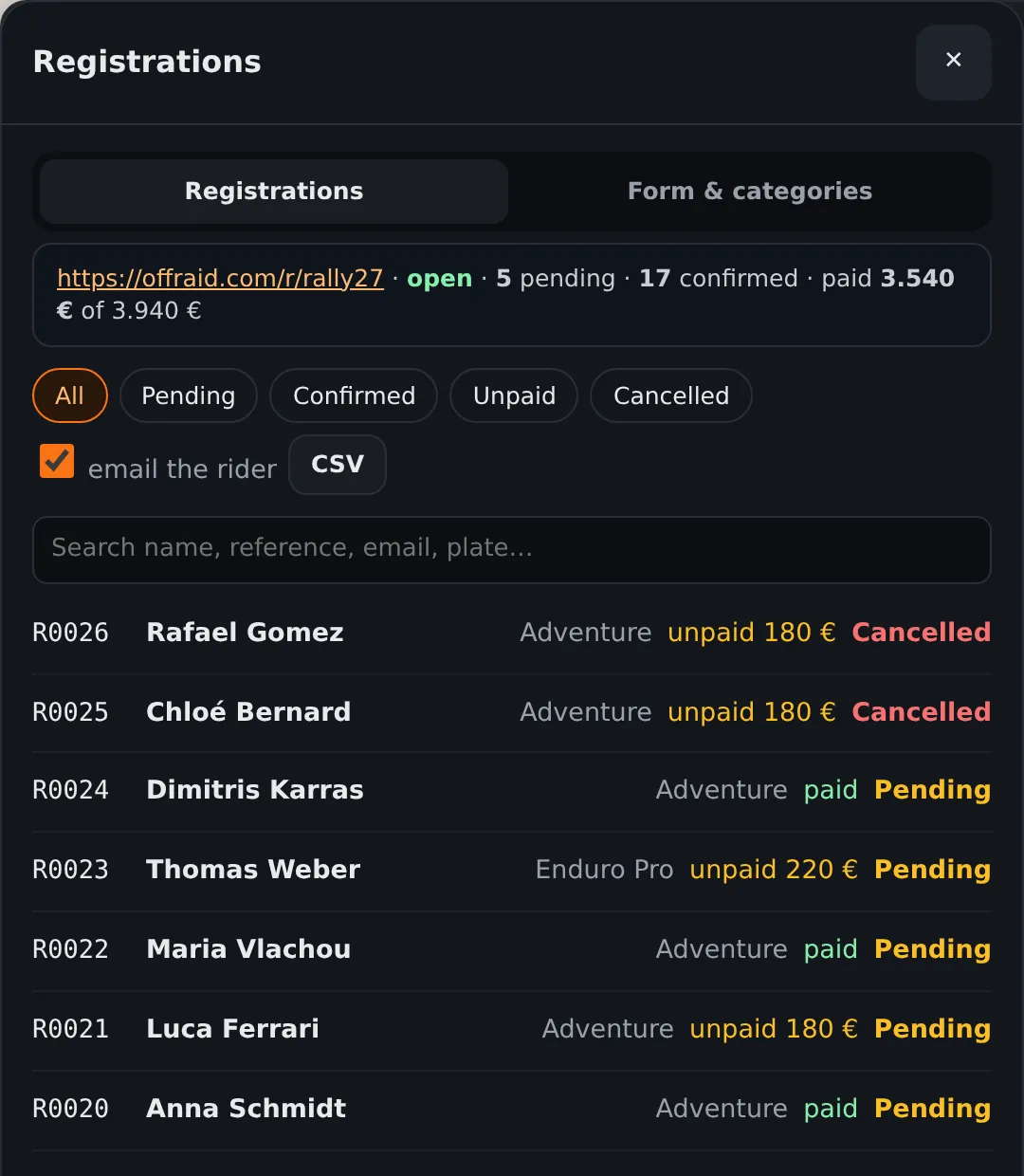
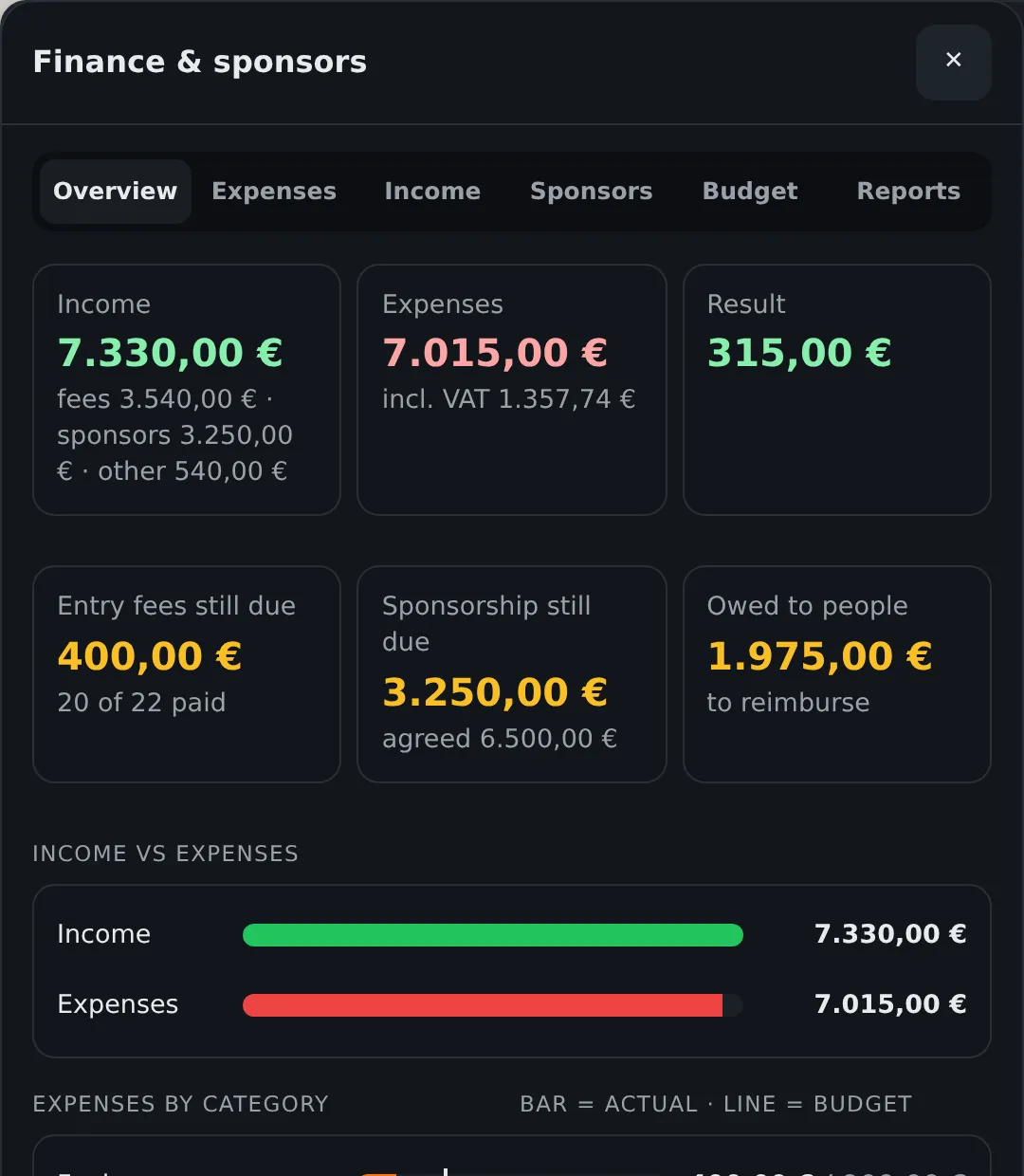
Mission control, in your browser

Every rider, live

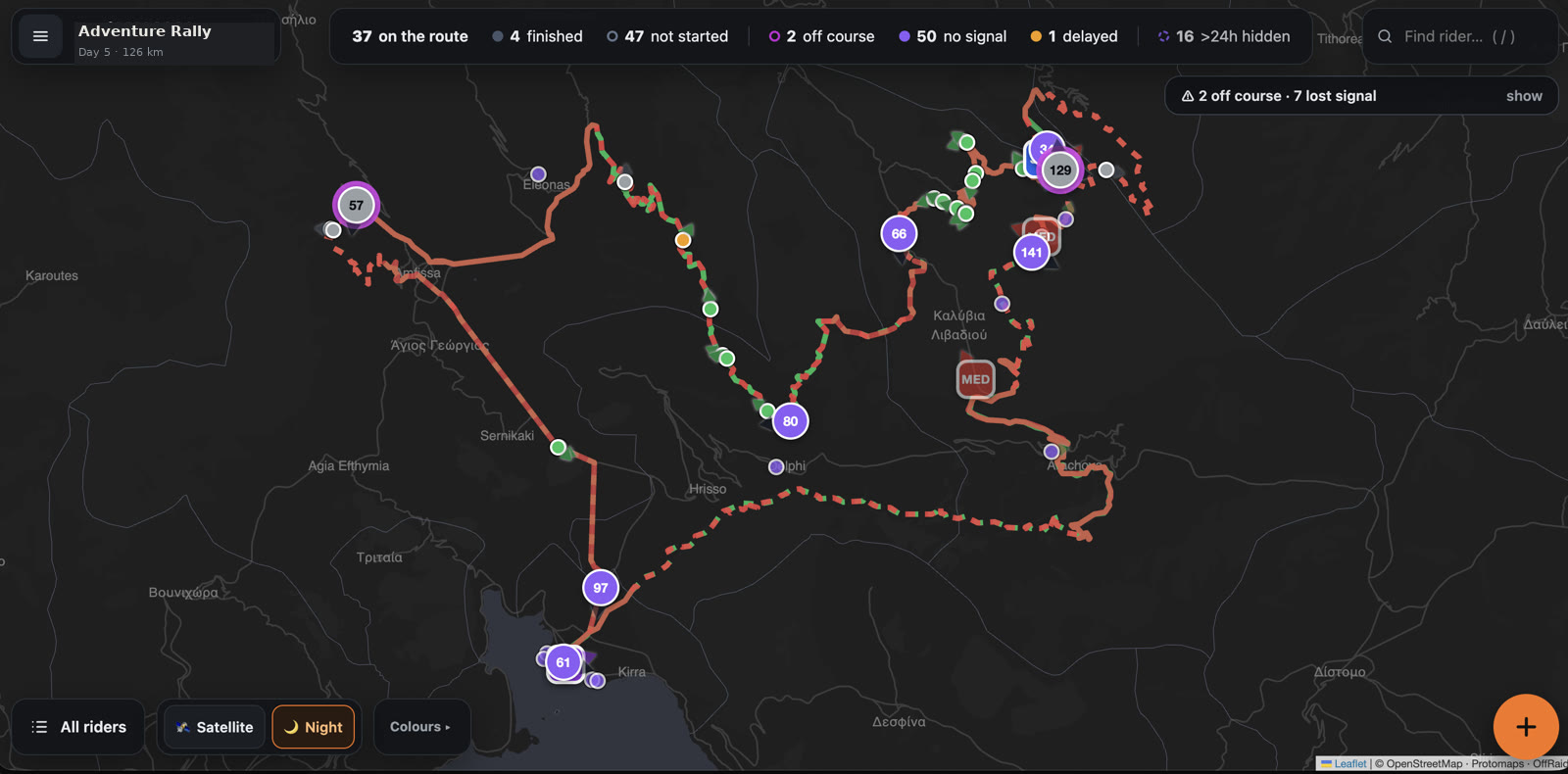
Position, speed and direction of every rider on one map. Riders out of signal show their last seen position and time.

Push the official route

Upload a GPX on the dashboard and push it — every rider's app receives it instantly. Change it mid-event if plans change.

Messages riders answer

Broadcast to everyone — "Checkpoint 2 is closed, take the asphalt detour. OK?" Riders answer YES or NO with one tap, even from the lock screen, and you see who answered what.

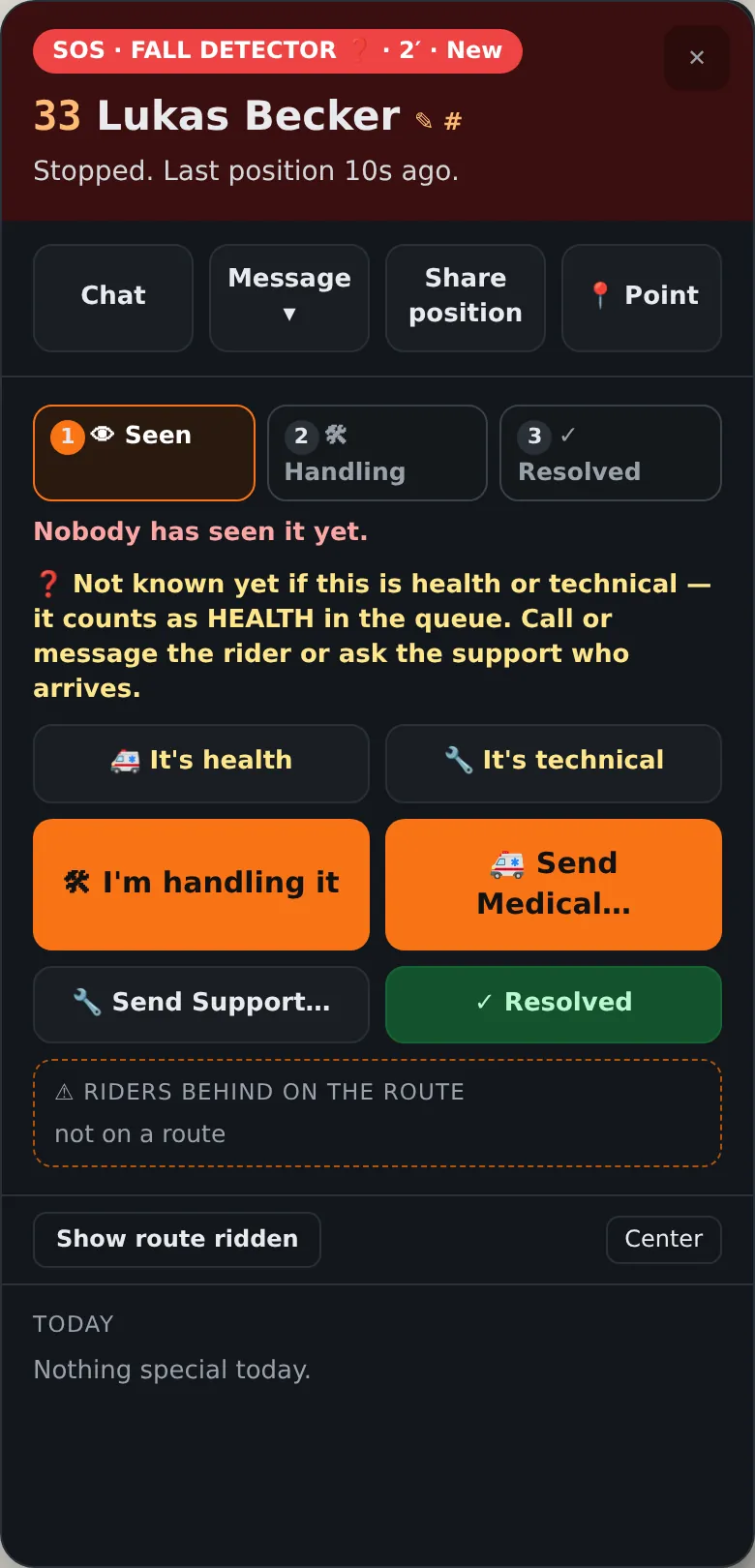
SOS built in

Every rider carries one-tap SOS with the local emergency number and exact coordinates — plus fall detection that can trigger it automatically.

Your staff, your roles

Dashboard access only for approved staff emails — organisers can act, viewers can watch. No shared passwords.

Built for scale

Load-tested for 200 riders reporting live at once. Riders' names and race numbers, exactly as you registered them.

Offline where it matters

Signal drops. The event doesn't.

Navigation, maps and voice guidance are fully offline on every rider's phone. Live tracking pauses in dead zones and resumes by itself — the dashboard always shows each rider's last known position.

FAQ

Good to know

How do riders join an event?

They scan the event QR code. OffRaid opens straight to the event — they type their name and race number and they are in. No account, no registration form, no pairing.

What do organisers see?

A live web dashboard with every rider on the map — position, speed, direction, and a "last seen" time for anyone out of signal. Access is protected: only approved staff emails get in, with viewer or organiser roles.

Can we change the route mid-event?

Yes. Upload a GPX on the dashboard and push it — every rider's app receives the new official route automatically.

Do messages reach riders while riding?

Yes. Messages appear on the rider's screen — even on the lock screen — with big YES / NO buttons, and you see each rider's answer live on the dashboard.

What happens where there is no signal?

Navigation keeps working — maps and guidance are fully offline. Live position sharing pauses; the dashboard shows the rider's last seen position and time, and everything resumes automatically when signal returns.

What does it need from riders' phones?

Just OffRaid on Android with location allowed. Riders download the map of the event area once, in advance — after that, navigation works with zero signal.

How many riders can an event handle?

The event backend is load-tested for 200 riders reporting live positions at the same time.

How do we run our event with OffRaid?

Email support@offraid.com. You get the event channel, the printed-ready QR code for your riders and dashboard access for your staff.

OffRaid Events

Running an event?

Tell us the dates and the size of your group — we'll set up your event channel, QR code and dashboard.